
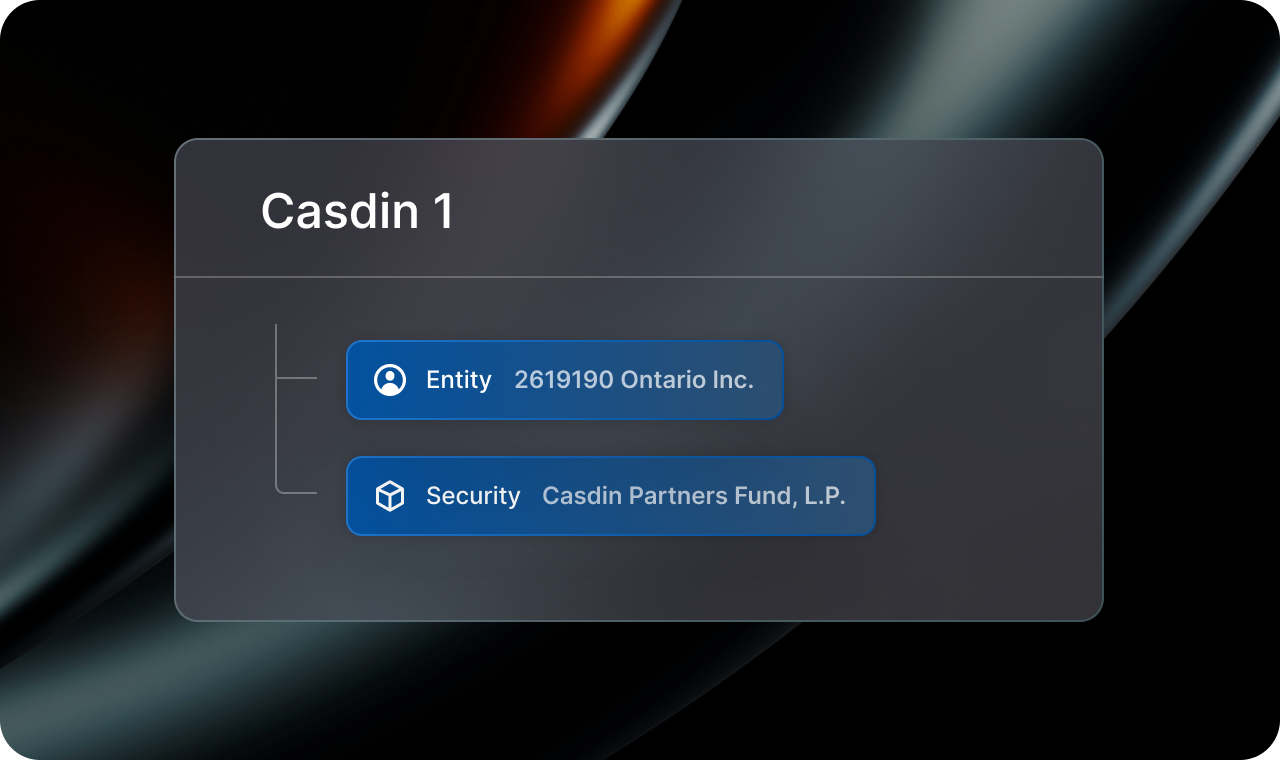
Managing a family office portfolio means living with complexity that most platforms simply weren’t designed for. A single entity makes multiple commitments to the same fund. Capital pools across family members under one master vehicle. A fund your team calls “Casdin 1” arrives in documents as “Casdin Partners Fund, LP.” And when a GP system can’t hold the same entity twice, it quietly appends a “#2” to a capital account, and your document routing breaks. These are the everyday realities of running a family office. It’s a problem that exposes the limits of generic family office portfolio management software, and why purpose-built solutions matter.
Our latest updates to Mantle Portal are built specifically to handle them.
1. See how capital is allocated across family members and trusts
A single fund commitment often pools capital from multiple family members or trusts. However, most systems only track the top-level commitment, leaving you to reconcile the internal breakdown manually.
Here’s how this works in practice:
2619190 Ontario Inc. commits $1M to Casdin Partners. Internally, that capital comes from two participants — say, $400K from one family member and $600K from another. From the GP’s perspective, it’s one commitment. From yours, it’s two participants with distinct allocations and exposure.
Mantle Portal now lets you define internal Portfolios (family members, trusts) and associate them with investments independently of how the GP tracks the commitment.
You get two views of the same investment:
- View by Investment: See GP-level investing entities and master commitments, exactly as they appear to the fund.
- View by Allocations: See the internal breakdown by family member of trust, with each participant’s share clearly visible.
This allocation structure flows throughout the entire Portal platform, so your reporting views in Mantle Portal (e.g. Cash Management and Investment Profile) reflect the real ownership picture, not just the GP-level summary.
Questions like “How much total commitment does 269190 Ontario Inc. have?” or “How much as Family Member 1 invested across all funds?” are answerable with a couple of clicks.
2. Assign custom investment names

Naming mismatches create daily friction. Your GP calls a fund “Casdin Partners Fund, LP.” Your team calls it “Casdin 1.” These are the same investment, but reconciling them manually is time-consuming and error-prone.
Mantle Portal now lets you assign custom investment names that reflect how your team actually references your portfolio internally. You can also define security aliases to reconcile preferred fund names with how they appear in GP documents (e.g. mapping “Piper” to “NorthSky”).
3. Track multiple commitments to the same fund

When an entity makes two separate commitments to the same fund, GPs often resort to a workaround: one capital account becomes “2619190 Ontario Inc.” and the other becomes “2619190 Ontario Inc. #2.” Same legal entity, two slightly different names. Historically, that’s where document routing breaks down.
Mantle Portal now tracks each commitment as its own distinct investment with its own document history and reporting line. Capital statements, K-1s, and other LP documents route to the correct commitment automatically. All reporting views (Cash Management, Investment Positions, Investment Activity) reflect each commitment both individually and in aggregate.
These updates were built around the structures family offices actually manage because the gap between how GPs track commitments and how you manage them internally shouldn’t require manual workarounds or spreadsheet reconciliation. It should just work.
Want to see more? Subscribe to the Mantle blog below for product updates delivered straight to your inbox. If you’d like to see the full platform in action, book a demo.
Kitty Shum is the Head of Product for Mantle Portal, where she leads product strategy and development for Mantle’s AI-powered platform serving institutional LPs, family offices, and alternative asset managers.